
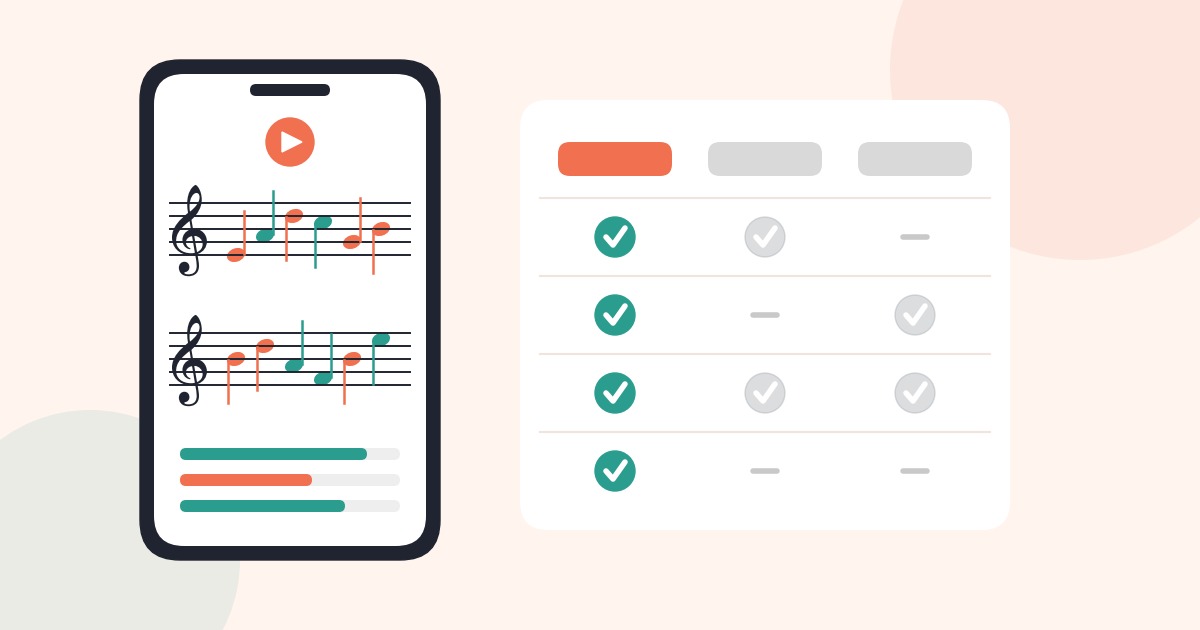
For students, parents and teachers comparing music practice apps: what practice trackers, sheet music scanners, course apps and MusPal each do, and which one fits piano, violin or exam practice.
A music practice app usually falls into one of 4 types: practice trackers (Andante, Modacity), scan-and-playback apps (Sheetly, PlayScore 2), course apps (Yousician, Simply Piano) and apps that give feedback on your own sheet music (MusPal). Choose by what you need most: a practice log, a way to hear the piece, step-by-step lessons, or someone to point out which bar went wrong.
About this article: This article is written by MusPal. MusPal details come from our own website and team. Details for the other apps come from their official websites or App Store pages, checked on 16 and 23 November 2026. Apps change often, so check each app's latest official information. Where an official source does not mention a feature, we write "not mentioned", which does not mean the app cannot do it.
What types of music practice app are there?
Music practice apps do different jobs, so comparing them only by price or rating can be misleading. The 8 apps in this article fall into 4 types:
| Type | What it does | Examples | Good for |
|---|---|---|---|
| Practice tracker | Times and logs your practice, sets goals, may record audio | Andante, Modacity | Building a daily habit on any instrument |
| Scan + playback | Photographs a score and plays it back | Sheetly, PlayScore 2 | Hearing a new piece before you play it |
| Course + song library | Teaches through the app's own lessons and songs, listening as you play | Yousician, Simply Piano | Complete beginners who want guided lessons |
| Scan + performance feedback | Scans your own score, plays it back, then analyses your recording bar by bar | MusPal | Students with set pieces, exams or a teacher |
How do the 8 apps compare?
Among the apps in this article, MusPal is the only one whose official information describes both scanning your own score and analysing your performance of it.
| Feature | MusPal | Sheetly | PlayScore 2 | Yousician | Simply Piano |
|---|---|---|---|---|---|
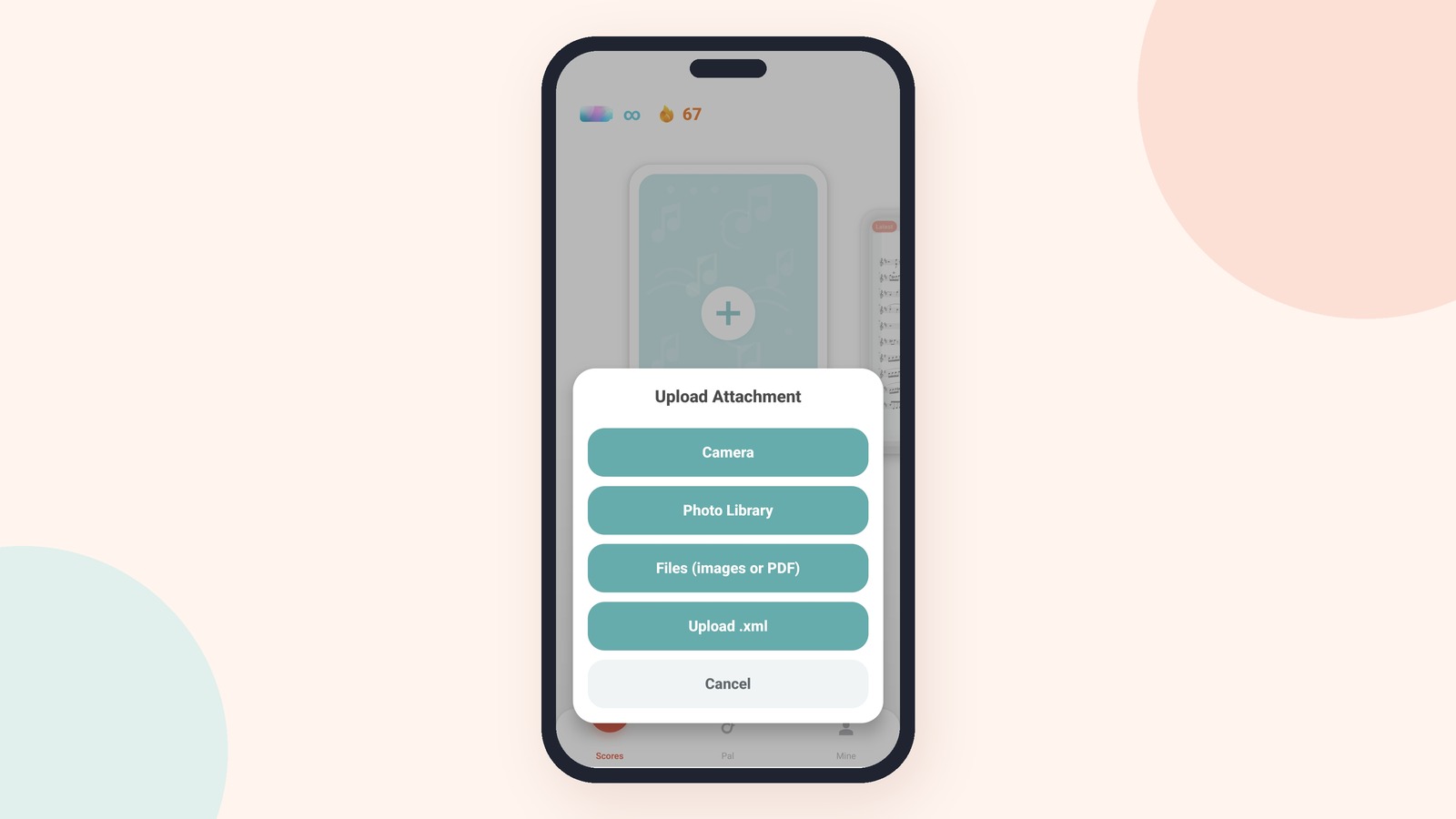
| Scan your own sheet music | Yes (photo, image, PDF; can also import MusicXML) | Yes (photo) | Yes (photo, image, PDF) | Not mentioned | Not mentioned |
| Edit the score after scanning | Yes (built-in editor) | Not mentioned | Not mentioned | Not applicable | Not applicable |
| Plays the score back | Yes: instant playback after scanning, adjustable tempo | Yes, with tempo and looping | Yes, plus metronome and transposition | Library songs only | Library songs can be slowed down |
| Listens to you play and gives feedback | Yes: bar-by-bar, note-by-note pitch, rhythm and dynamics | No (Sheetly says its AI coach does not listen to you play) | Not mentioned | Yes: real-time pitch and timing | Yes: real-time feedback |
| Music used for feedback | Any score you scan | Not applicable | Not applicable | App's courses and songs | App's courses and songs |
| Progress reports | Report per session, progress curve per piece | Not mentioned | Not mentioned | Yes | Yes |
| Teacher or school tools | Teacher dashboard, education edition | Not mentioned | Not mentioned | Not mentioned | Not mentioned |
| Export | PDF, MusicXML | PDF, MIDI, MusicXML (Pro) | MIDI, MusicXML (subscription) | Not applicable | Not applicable |
| Platforms | iOS, Android | iPhone, iPad (Android in development) | iPhone, iPad | iOS, Android | iOS, Android |
Practice trackers work differently, so they have their own table:
| Feature | Andante | Modacity | MusPal |
|---|---|---|---|
| Practice timer and log | Yes | Yes | Records each analysed session as a report |
| Goals, streaks or reminders | Streaks and daily goals | Reminders and a star system | Not mentioned |
| Records your practice | Yes (audio recorder) | Yes, and compares recordings | Yes, then analyses the recording |
| Automatic pitch and rhythm feedback | Not mentioned | Not mentioned (you listen back yourself) | Yes |
| Tools built in | Metronome, drone tuner | Metronome, tone generator | Score playback with adjustable tempo |
| Platforms | iPhone, iPad | iOS, Android | iOS, Android |
| Pricing model | Free, with optional Pro upgrade | Subscription options | Free to download, paid plans available |
Prices change by region and promotion, so check each app's website or App Store page.
Which music practice tracker also checks your playing?
Andante and Modacity are built to log practice: they time your sessions, keep notes and help you practise regularly. Neither app's official description mentions automatic feedback on pitch or rhythm, so you judge your recordings yourself.
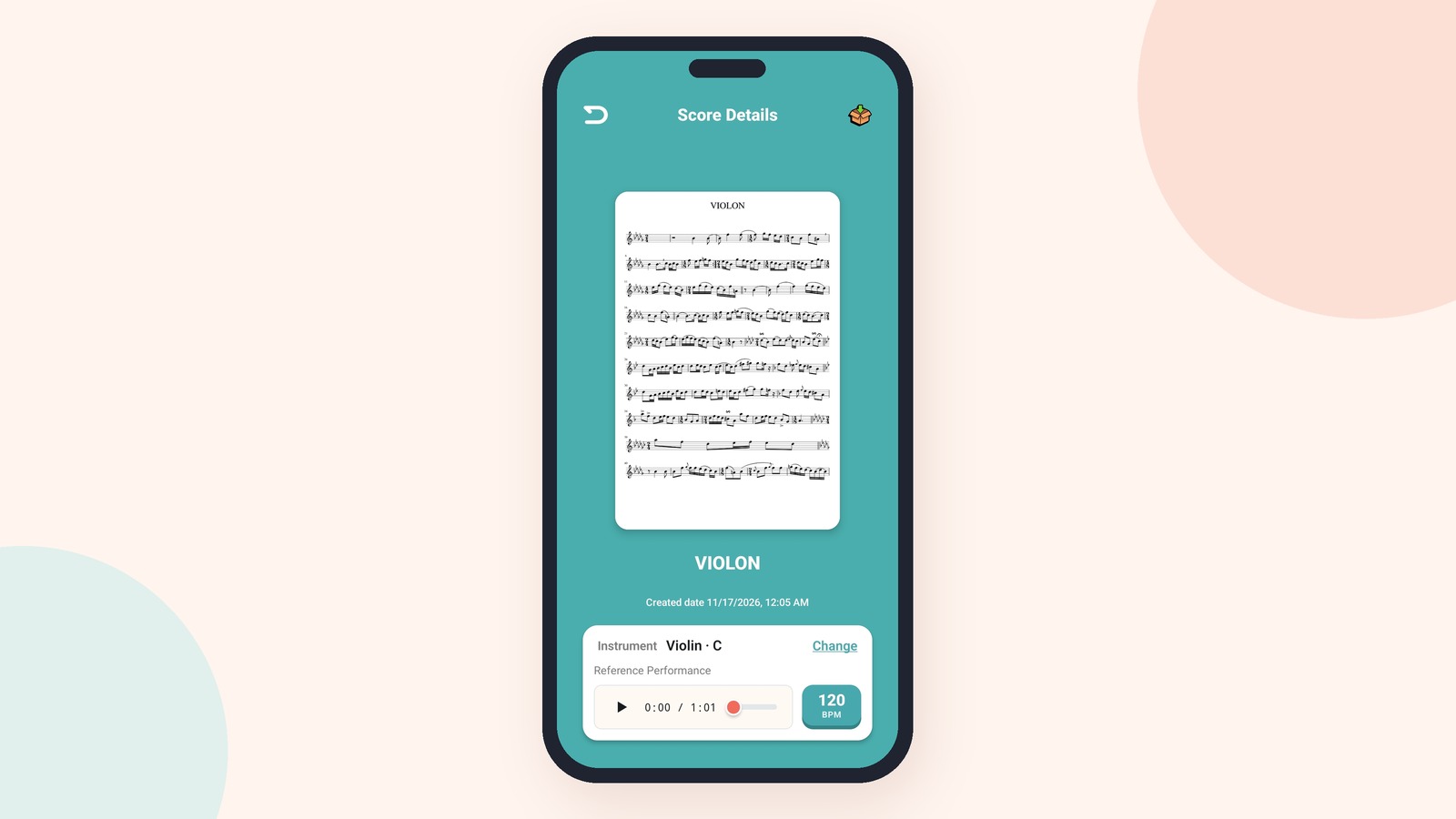
MusPal tracks practice in a different way. Each time you record and analyse a piece, MusPal saves a report, and the scores for the same piece form a progress curve. If a teacher is connected, the teacher's dashboard shows the student's recorded practice minutes, including the last 7 days, and the teacher can open each report and listen to the recording. Some players use a tracker for daily logging and MusPal for checking accuracy.
Is there an AI piano teacher app?
Several apps can act like an AI piano teacher, but they listen to different music:
- Simply Piano and Yousician listen while you play their own lessons and songs, and give real-time feedback. They suit beginners who want a course.
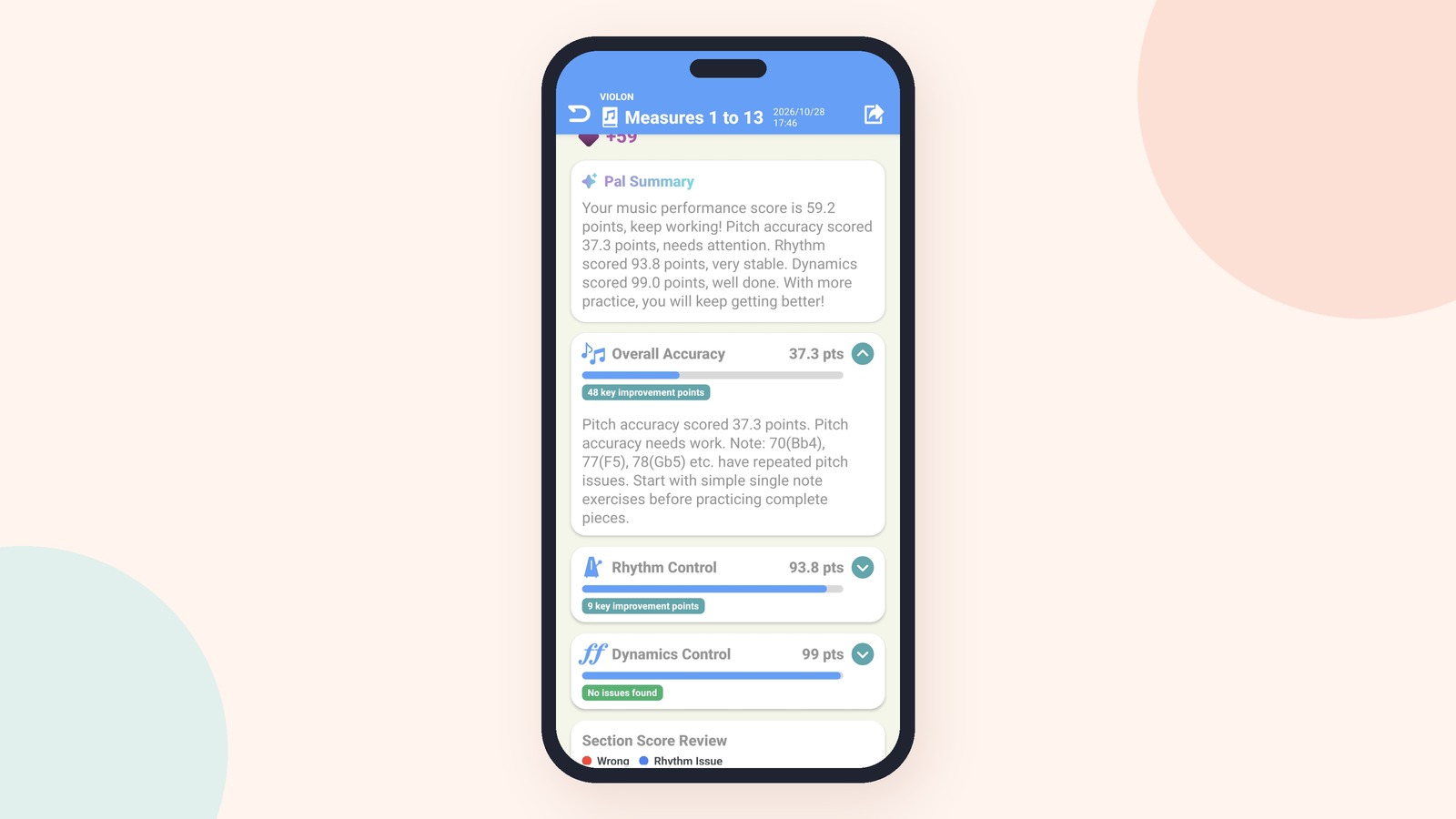
- MusPal analyses the pieces you already have, such as the ones your teacher sets. You can already scan and play back piano music in MusPal; piano performance analysis is expected to launch with Live feedback in early December 2026, and MusPal will confirm the date.
An AI app can point out wrong notes and uneven rhythm between lessons, but it does not replace everything a teacher does, such as hand position, tone and musical choices. Read more in AI vs human tutor.
What is a good violin practice app?
For violin, look for an app that understands violin sound and works with your own repertoire. MusPal lets you choose violin when you upload a recording, then compares your playing with the scanned score bar by bar for pitch, rhythm and dynamics. Intonation can be hard to judge by ear while you play, so note-by-note pitch feedback can show which notes are drifting.
Yousician's App Store listing names guitar, piano, bass, ukulele and singing, but not violin. Practice trackers such as Andante and Modacity work with any instrument because they log time rather than analyse sound. New to the instrument? See Violin for Beginners.
What is MusPal good at?
MusPal suits players who already have their music and want to know whether they are playing it accurately, such as students preparing for ABRSM exams.
- Your own music: scan the pieces your teacher sets, including exam pieces, rather than only songs from an in-app library. If anything is misread, fix the notes in the built-in editor.
- Hear it first: play the scanned score back straight away and slow the tempo down while you learn it.
- Bar-by-bar feedback: MusPal compares your recording with the score, scores each bar for pitch, rhythm and dynamics, and shows which bar and note to work on.
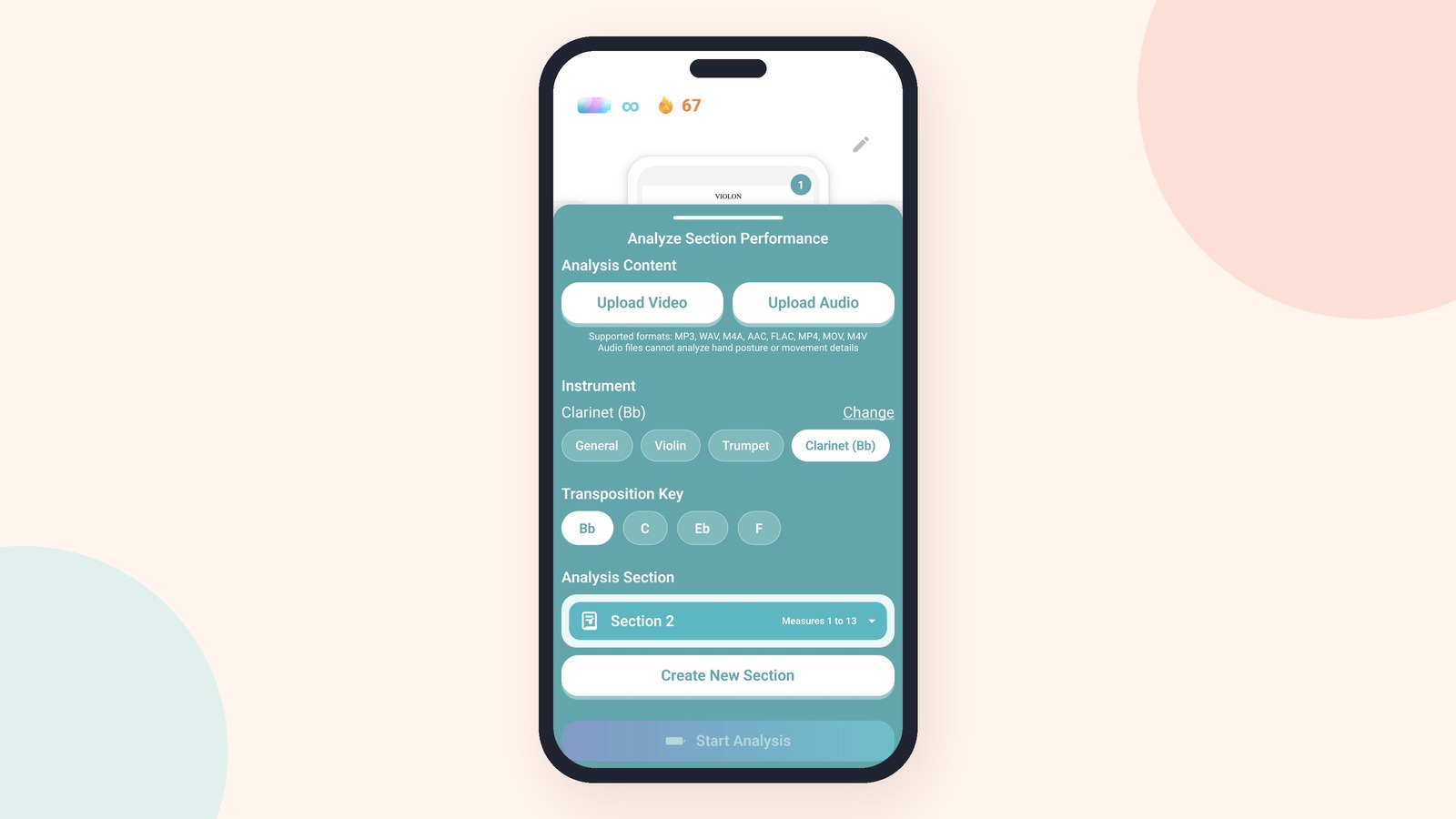
- Many instruments: scan and play back sheet music for any instrument. For analysis, choose the matching instrument, such as violin, trumpet or clarinet; transposing instruments can also choose their key (for example Bb, Eb or F).
- Teachers and schools can follow along: students connect to a teacher with the teacher's referral code, and schools can use the education edition to set up student accounts in bulk, view reports and export usage. The education edition has a 2-month free trial with no credit card, activated after a quick review.
- Teacher Ambassador Programme: private teachers can share a personal referral code and earn commission under the programme terms (see the Teacher Ambassador page for details).
Coming soon: Live feedback (expected in early December 2026; MusPal will confirm the date). Upload the score you are working on, start practising anywhere in the piece, and MusPal matches where you are and points out mistakes in real time. Yousician and Simply Piano also give real-time feedback, mainly on their own courses; Live feedback works on the score you upload.
What can't MusPal do yet?
To be fair, these are areas MusPal's website does not mention, or says it is still improving:
- MIDI export: MusPal shares PDF and MusicXML files, but the website does not mention MIDI. If you need a MIDI file, PlayScore 2 or Sheetly fit better.
- Handwritten and complex scores: standard printed solo notation is recognised best; handwritten scores and complex full scores are still being improved.
- Beginner courses: MusPal is not a step-by-step course. Complete beginners who want lessons from an app may prefer Yousician or Simply Piano.
- Habit features: MusPal does not describe streaks or practice reminders; a tracker such as Andante or Modacity covers that.
How do you choose a music practice app?
Start from what you need most:
| Your need | Consider |
|---|---|
| A simple log and daily practice habit | Andante, Modacity |
| Hear a new piece first and slow it down | MusPal, Sheetly, PlayScore 2 |
| Know which bar and note went wrong in your own piece | MusPal |
| Prepare exam pieces between lessons | MusPal |
| An AI piano teacher with built-in lessons | Simply Piano, Yousician |
| Violin feedback on your own repertoire | MusPal |
| Turn paper music into MusicXML or MIDI | MusPal (MusicXML), PlayScore 2, Sheetly |
| A teacher or school following home practice | MusPal teacher dashboard or education edition |
For a step-by-step checklist to use during a free trial, see How to Choose a Music Practice App.
Can you use more than one practice app?
Yes. One possible mix is a tracker for logging time and a feedback app for checking accuracy. MusPal also covers listening: hear the piece with instant playback, slow it down, then record yourself once you can play it to see which bars still need work. If you need a MIDI file, PlayScore 2 or Sheetly can make one; for notation software, MusPal can share a MusicXML file straight to that app.
FAQ
Which music practice app is best for beginners? Complete beginners who want lessons may prefer a course app such as Simply Piano or Yousician. Beginners who already have a teacher and set pieces can use MusPal to check those pieces between lessons.
Can a music practice app replace a teacher? Not fully. An app can track practice and point out wrong notes or uneven rhythm, but a teacher also guides technique, tone and interpretation.
Is MusPal only for violin? No. You can scan and play back sheet music for any instrument, and choose instruments such as violin, trumpet or clarinet for analysis. Piano analysis is expected in early December 2026.
What is the difference between MusPal and Sheetly? MusPal listens to you play and analyses pitch, rhythm and dynamics bar by bar. Sheetly mainly plays back scanned scores, and Sheetly says its AI coach does not listen to you play.
Can schools use MusPal? Yes. The education edition is for schools, ensembles and music centres: it sets up student accounts in bulk, lets staff view student reports, and students never pay. It includes a 2-month free trial with no credit card, activated after a quick review.
Sources
- MusPal features, sheet music scanner, education edition
- Sheetly (checked 16 November 2026)
- PlayScore 2 – App Store (checked 16 November 2026)
- Yousician – App Store (checked 16 November 2026)
- Simply Piano – App Store (checked 16 November 2026)
- Andante – App Store (checked 23 November 2026)
- Modacity (checked 23 November 2026)
Free plan: 3 scans + 3 AI analyses every month